Design
FreeUI Design Fundamentals
Learn the visual rules behind clean interfaces — colour, typography, spacing, and layout that anyone can apply.
Beginner · 13 lessons · 7 hours · English + Urdu
Design
A beautiful screen that confuses users is a failed design. This course covers the UX half of the job: understanding users, mapping their journey, sketching wireframes, and turning finished screens into a clickable Figma prototype you can test with real people. You will also learn how to hand designs over to developers clearly. It follows the UI Design Fundamentals course in this roadmap.
All Levels · 12 lessons · 8 hours · English · Part of the UI/UX Designer Roadmap
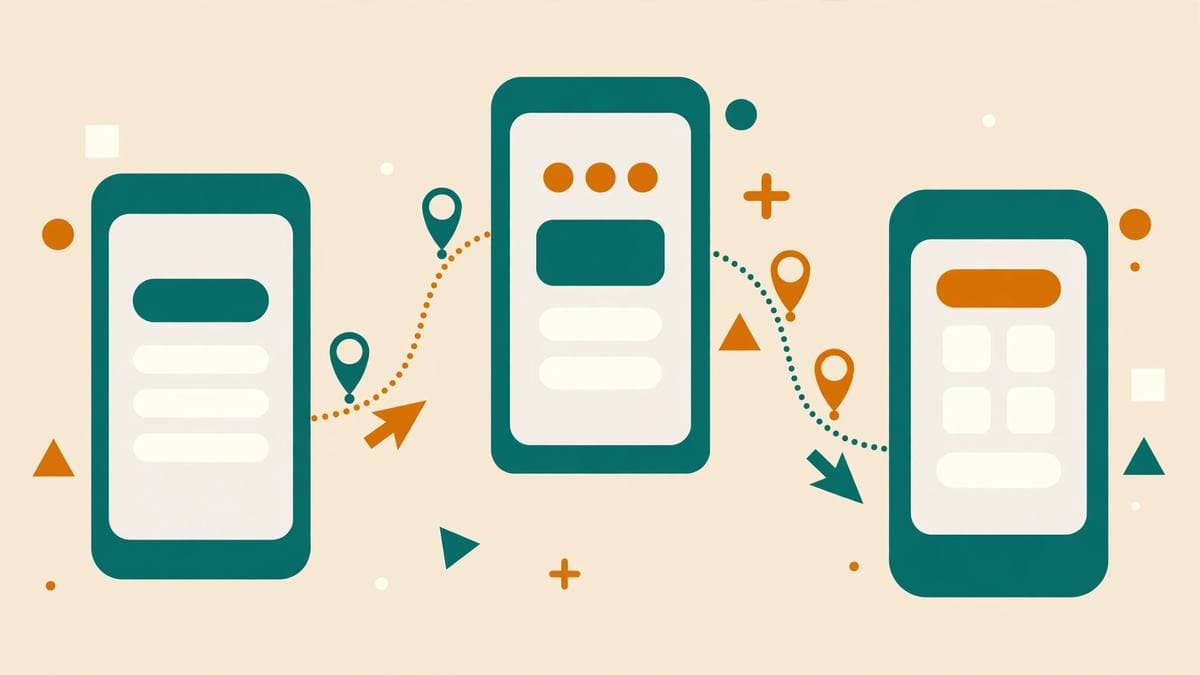
Project: Design and Prototype a Food Delivery App Flow — you finish this course by building it, not just by watching.
Yes. This course is free and open. Its lessons use public learning videos with FUTEAC summaries, tasks and quizzes. An optional verified certificate is available after completion.
You receive a completion record when you finish the course and pass its quizzes. A verifiable certificate with a public verification link is available as an optional upgrade.
Check the Requirements section on this page. If a course builds on an earlier one, we say so there — and the roadmap shows you the right order.
Design
FreeLearn the visual rules behind clean interfaces — colour, typography, spacing, and layout that anyone can apply.
Beginner · 13 lessons · 7 hours · English + Urdu